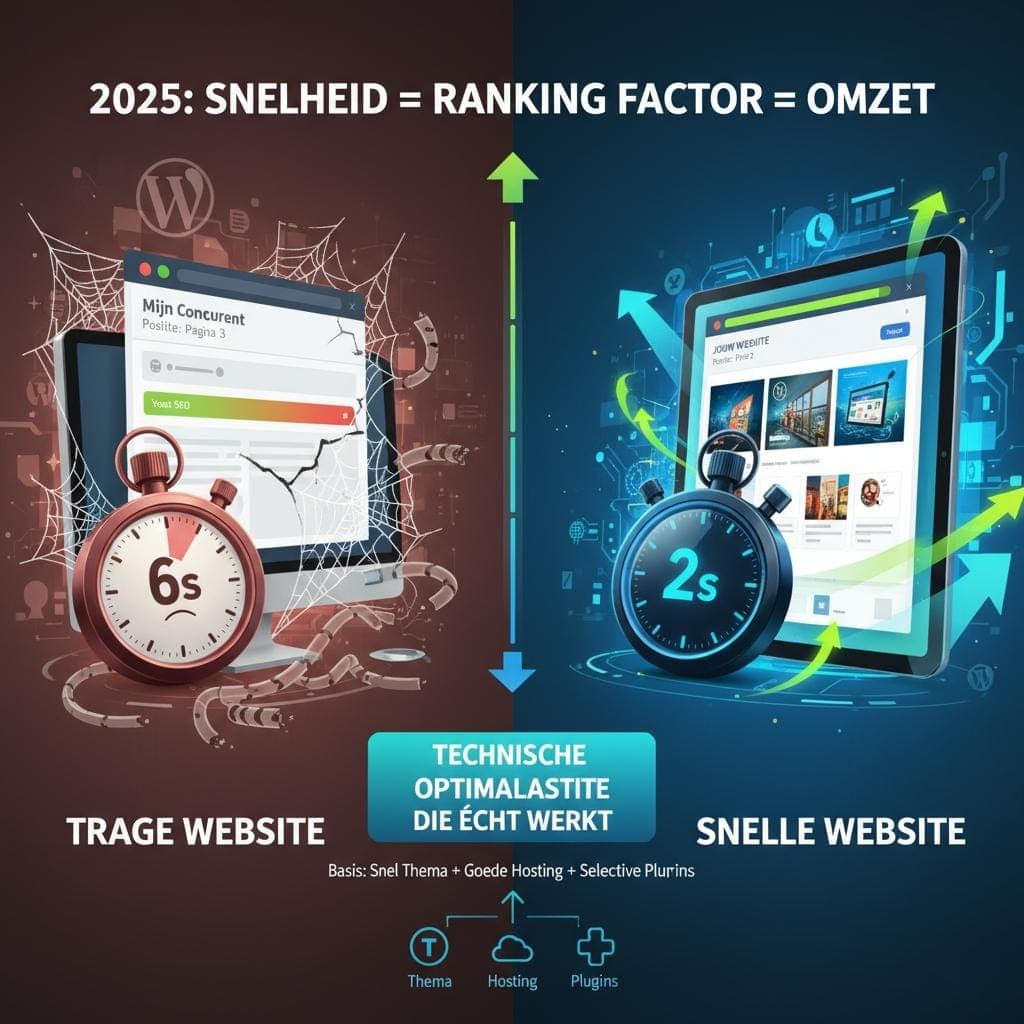
All your Yoast checkmarks are green, and yet your competitor is in position 3 while you're on page 2. Green checkmarks only tell you the plugin is satisfied. WordPress SEO is about what Google sees, what visitors do on your site and how your site holds up next to that competitor.
Why green checkmarks in Yoast are not enough
Someone searches for “WordPress slow after update”. Yoast wants to see your keyword more often in the text, and Rank Math gives you a score of 87/100. Now what?
Now you write an article the plugin is happy with, while the searcher doesn't want an article about keywords at all. They want to know how to get their site fast again.
SEO plugins such as Yoast SEO, Rank Math or All in One SEO are handy for the basics on every page: title tags, meta descriptions and XML sitemaps. What they can't see is how strong your competitors are, whether your text matches the search intent (what the searcher wants to know), how your site is built technically and what visitors do.
A plugin works from a checklist, and what visitors do isn't on it. That's a pity, because user behavior affects your Google position too.
Common WordPress SEO problems
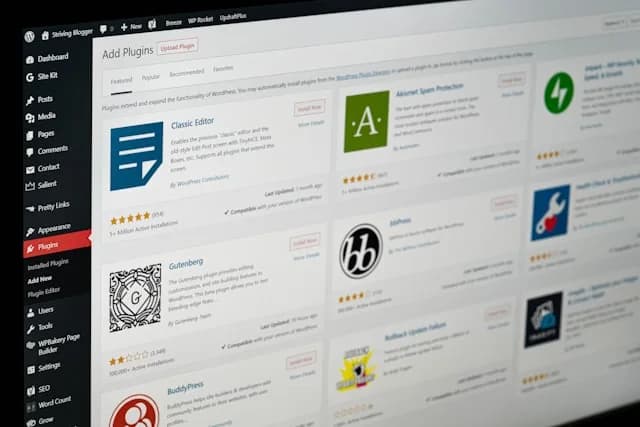
On forums and Reddit you keep reading the same stories. Someone installs fifteen plugins “for SEO” and watches the site get slower and sink in Google. Another picks a pretty theme full of animations, and then it takes eight seconds for a page to show up.
WordPress makes SEO accessible, and that makes it look simpler than it is: install Yoast, click a few buttons and you're done. That's not how it works, because the plugin checks a list while Google looks at much more.
The most common WordPress SEO mistake is expecting everything from one plugin. A plugin helps you with the basics, but it knows nothing about your customers and the questions they search with.
Getting your WordPress SEO settings in order
Before you start on content, your WordPress installation has to be technically in order. Otherwise you build your content on a shaky foundation.
Setting up the permalink structure
WordPress offers several permalink structures. With the plain form (?p=123), your URL says nothing about the page, and that does nothing for SEO. For most sites /%postname%/ is the best choice: it gives clean, readable URLs like yoursite.com/wordpress-seo-tips instead of yoursite.com/?p=456.
For online stores, /%category%/%postname%/ can work if your product categories are logically organized. Do choose a structure like that at the start of a new site, though, because after launch every existing URL needs a redirect.
Organizing categories and tags
WordPress automatically creates an archive page for every category and tag. That sounds handy, until a site with thirty posts has fifty categories. Then you spread the value of your internal links over far too many thin pages, and tags without a plan produce pages that show almost the same thing (duplicate content).
Stick to a handful of main categories, somewhere between three and seven. Use a tag only if it connects multiple posts, and only create subcategories once a category has more than ten posts.
Optimizing content for search engines
On many WordPress sites, content is where it goes wrong. A text can get all the green checkmarks and still not answer the question someone searched with.
Matching the search intent
Google is good at understanding what someone wants with a search, so your text has to match that too. Take “install WordPress” and “best WordPress hosting”: with the first, someone is looking for a tutorial, with the second, a comparison.
For every article, ask yourself what exactly the searcher wants to know. Content clusters make that easier: you write a group of articles around one main topic, and they link to each other.
Length and quality of your content
“2,000 words is better for SEO” is nonsense. A text wins on what's in it: thorough information, a clear structure with subheadings so you can scan it quickly, and insights from your own experience that others miss.
If a competitor writes 1,500 words about WordPress speed, you can make a stronger page with 1,200 words, as long as it has a case study of your own, results you can measure and solutions they don't mention.
Technical WordPress SEO optimization
On the technical side of WordPress SEO, a plugin can do little. Hosting, load time and the code of your theme are things you handle outside the plugin.
Choosing hosting
With bad hosting you lose out anyway, however well the rest of your WordPress site is put together. Choose a server that responds within 200 milliseconds, has SSD storage and runs a PHP version that is still supported. If you get more than 10,000 visitors a month, a VPS (a virtual server of your own) pays off.
Cheap shared hosting at €3 a month is fine for a blog. If your online store brings in €10,000 a month in revenue, then €25 a month for better hosting is worth the money.
Core Web Vitals on a WordPress site
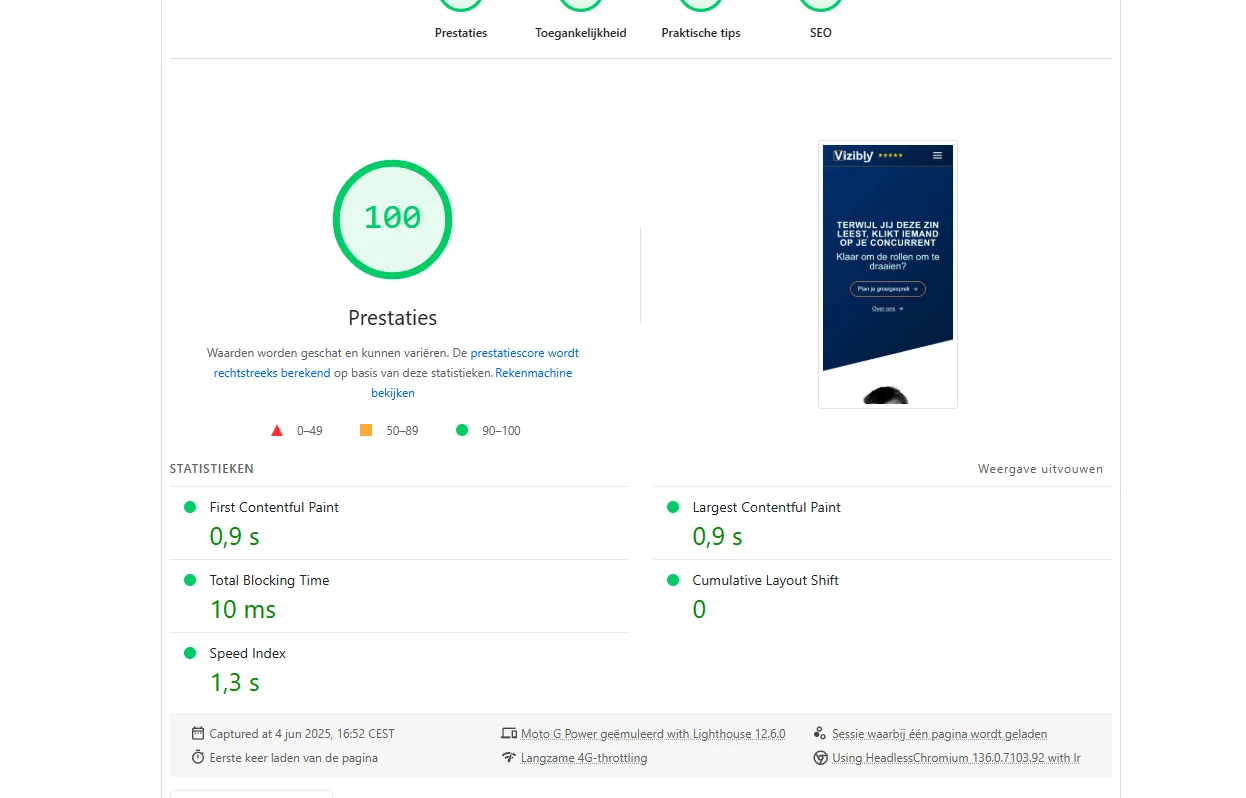
A perfect PageSpeed score is not a goal in itself, but the Core Web Vitals, Google's three speed measurements, do count toward your position.
LCP (Largest Contentful Paint), under 2.5 seconds: LCP measures how fast the largest block at the top of your page appears. Convert featured images to WebP and load the image at the top right away; lazy loading is for images further down the page. Preload important fonts.
INP (Interaction to Next Paint), under 200 milliseconds: INP measures how fast your page responds to a click or tap, and replaced the old FID metric in March 2024. Limit JavaScript, especially third-party scripts. Look at your theme too, because many page builders load a lot of JavaScript.
CLS (Cumulative Layout Shift), under 0.1: CLS measures how much your page jumps around while loading. Reserve space for ads and embeds, and give images a fixed width and height.
Internal link structure for WordPress SEO
Backlinks are hard to get, but internal links are entirely up to you. You can start today.
Internal links pass link value from strong pages to weaker ones and show Google which pages you consider important. Visitors click through to the next piece, which keeps them on your site longer.
Link from your strongest pages to the pages you want to rank higher. Use link text that says where the link goes, like “setting up permalinks” instead of “click here.”
Comparing WordPress SEO plugins
The big plugins do basically the same thing: title tags, meta descriptions, XML sitemaps and schema markup. They differ mostly in how they look and what they add on top.
Yoast SEO: the best known
Pros: a familiar interface, extensive documentation and a readability analysis. Cons: pushy notifications and many features you don't need. Who it's for: beginners who like to be guided.
Rank Math: more features in the free version
Pros: more free features (redirects, schema, 404 monitoring) and a calmer interface. Cons: a smaller community if you look for help. Who it's for: advanced users who want more control.
The SEO Framework: light and no frills
Pros: no ads, very light and focused on the technical side. Cons: no readability analysis and less explanation on screen. Who it's for: experienced users who want no distractions.
The WordPress SEO mistakes I see most often
Too many plugins: Every plugin is extra code, and with dozens of plugins your site gets slow and sinks in Google. Pick one per function.
Changing the permalink structure afterward: All the old URLs then go dead. If you have to do it anyway, redirect every old URL to the new one with a 301 redirect.
Duplicate content from tags: Fifty tags with one or two posts each are fifty thin pages. Set tag pages to noindex in your SEO plugin, and Google won't include them.
Images not optimized: A 5 MB photo that appears as a 400-pixel-wide thumbnail on the page loads needlessly slowly. Compress images before you upload them and use WebP.
Is WordPress good for SEO?
WordPress is not automatically good or bad for SEO. It's a tool, and what you achieve with it depends on who works with it.
Two WordPress sites with the same theme and the same plugin can end up far apart in Google. What separates them is how much technical and content knowledge went into them, and how well the maker understands what the searcher wants.
Green checkmarks in Yoast are a fine start. The gains come after that, from what the plugin doesn't see: fast hosting, good internal links and copy that answers the searcher's question.
Need help with WordPress SEO?
Are your Yoast checkmarks all green, but your WordPress site is still stuck on page 2? Then I'd be glad to go over it with you.
Call me at +31 6 282 064 10. In a short conversation you'll hear where your site is leaving opportunities untapped and where it's best to start.
SCHEDULE A CALL