What visitors do on your site after they click your result in Google says a lot about your page. Do they find what they were looking for right away, or are they back at the search results within a few seconds? In SEO, that user behavior often gets little attention, even though it shows whether a page answers the search query.
When a good page sinks in Google anyway
Take a page that has ranked high in Google for months. The technical SEO is right, the content is good and backlinks point to it. Still, the rankings slowly slip away, with no obvious cause.
If you then look at visitor behavior, the cause may be there. They do click the result, but they are quickly back at the search results, because the page doesn't give them what they were looking for.
How Google looks at user behavior
Google wants to show the search results people get the most out of. Google doesn’t disclose exactly how it measures whether that works. In the SEO field the common assumption is that signals of user behavior carry some weight, and I work from that assumption too.
Think of:
- Do visitors click your result?
- Do they stay on your site, or go straight back to Google?
- Do they visit several pages?
From those signals, Google can infer whether your page helps the searcher further.
Five ways to improve the user experience
1. Answer the search query right away
Start an article with what the visitor wants to know. Someone searching how to get moss out of their lawn wants to see that answer at the top, and only then might read something about the company behind it. That is why, when I write SEO copy, I always start with search intent: what does someone who types this search term want to know?
2. Make your site pleasant to read
Make sure there is enough contrast, a font size you can read without zooming in and short paragraphs. Light gray text on a white background looks calm, but is hard to read, and people who have to make an effort to read leave sooner. In design and technical optimization, I pay close attention to this.
3. Guide visitors with internal links
An internal link is a link to another page on your own site. Put those links where the reader has a next question: a link to a product belongs under an explanation of how to maintain it, and vice versa. That way a visitor keeps looking around your site and doesn't have to go back to Google.
4. Make your pages load faster
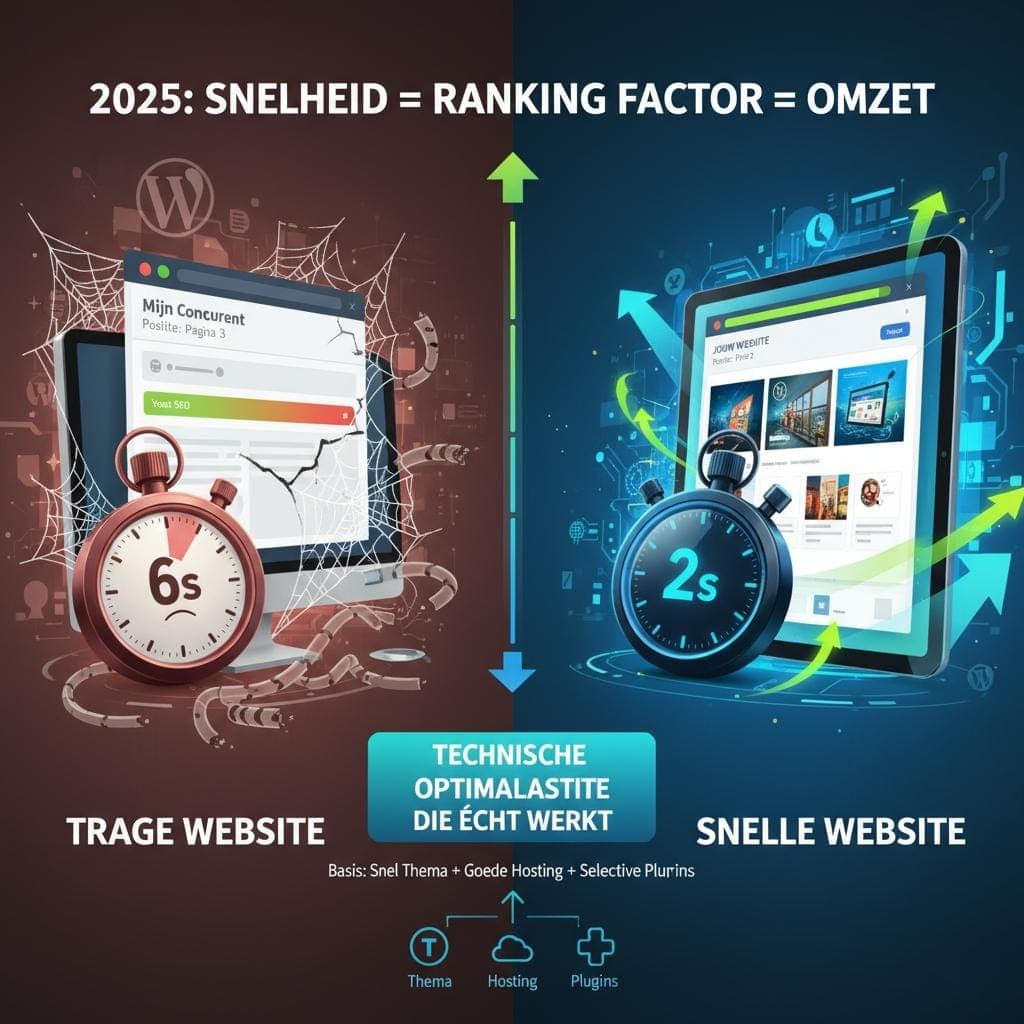
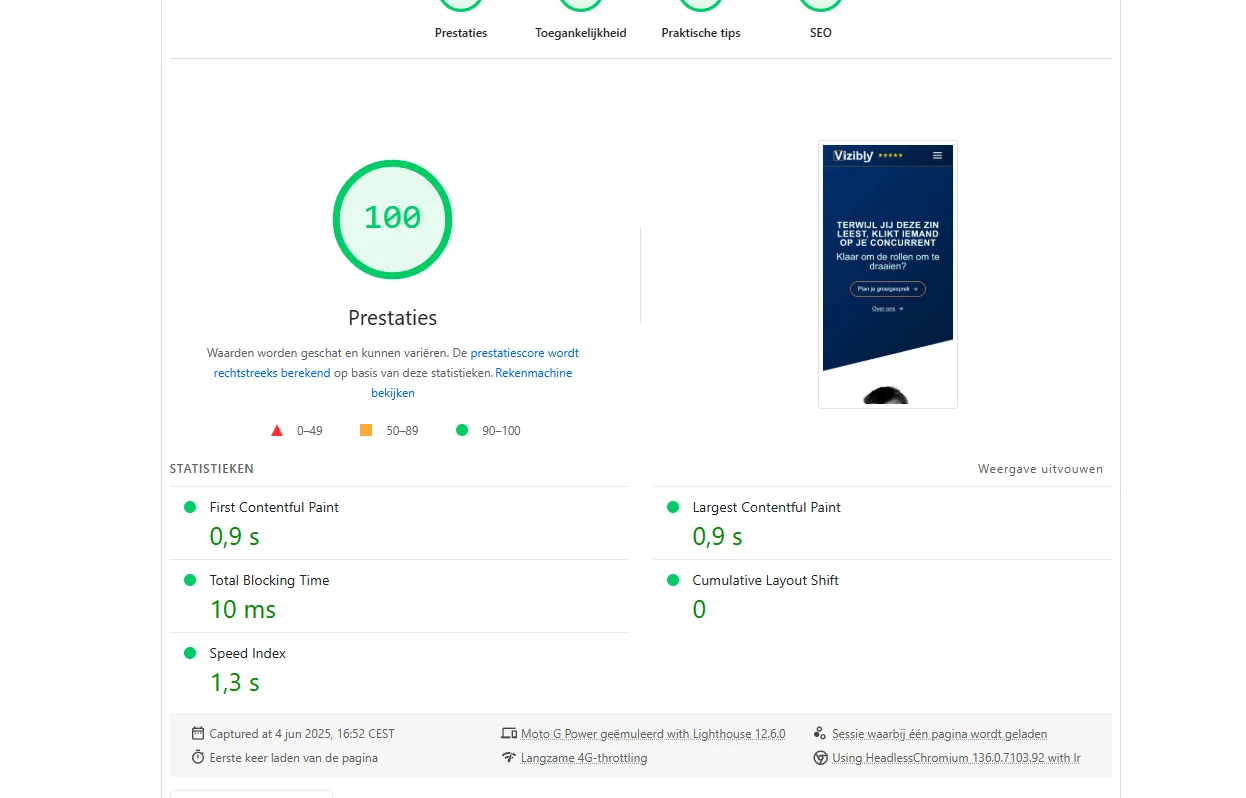
On a slow site, more people drop off. Someone waiting on their phone for a page to appear will soon tap back and try the next result. The delay is often in images that are too big or in plugins that load a lot of code, and that is also where most of the time can be gained.
5. Make sure your site works well on a phone
Many visitors come to your site on their phone. Buttons then need to be big enough to hit with your thumb, and you should be able to fill in a form without zooming in. You notice it fastest with a contact form: the easier it goes on a phone, the fewer people drop off halfway.
How to see how visitors experience your site
To see where visitors get stuck, you can pay attention to a few things:
- What customers tell you themselves about their visit to your site
- Which search terms bring visitors who stay long, and which don't
- A test of your own: ask someone who doesn't know your site to look something up and watch where they get stuck
What this means for your SEO
If a page sinks like in the example at the top, I start with the visitor: what were they looking for, and do they find it fast enough? The better the page fits that question, the longer visitors stay and the less often they click back to Google.
A site where visitors quickly find what they're looking for is more likely to bring in an inquiry or a sale, and probably also earns a better position in Google.
Read more about my approach to see what place user behavior gets in an SEO strategy.