Translating a website with AI works well, and better than a translation plugin or Google Translate. A good language model writes for the reader you have in mind, while a translation engine converts your text sentence by sentence. I translated my own site from Dutch into English, and for takeoff I built a site in Polish, Czech and Hungarian. AI did most of the work, and I always check a few things myself. In this article you'll read how to approach it, what Google expects from a translated site and which four things to check once the translation is done.
Why AI translates better than a translation plugin
A translation plugin or Google Translate converts your text sentence by sentence. The grammar is often fine, but an English-speaking reader notices right away that it's a translation. Take “maandelijks opzegbaar”, the Dutch way of saying you can cancel any month. A literal translation turns that into something like “cancelable monthly”, while an American writes “month to month”. Differences like that show up in every paragraph.
With a language model like Claude or ChatGPT, you can tell it who it's writing for: say, an American business owner looking for a new supplier, in the tone of your brand and with the words your clients use themselves. Then you get text that reads as if it was written in English to begin with.
It doesn't happen entirely on its own. AI still translates too literally at times, mostly in headings. Those are the same mistakes a translation plugin makes, only far less often. After a plugin you basically have to redo everything, after AI a short review round is usually enough.
What Google expects from a translated website
A translated site is largely a matter of technical SEO: Google has to understand which page belongs to which language. Google describes this in its own guide to multilingual sites. These are the rules that matter.
- A separate URL for each language. Google recommends using different URLs for each language, such as vizibly.nl/en/ for the English pages. Choosing a language with an addition at the end of the URL, such as ?lang=en, is something Google advises against.
- One language per page. Google determines a page's language from the visible text. A language setting in the code doesn't count for that, and neither does the URL. If you translate only the menu and the buttons and leave the rest in the original language, Google calls that a bad experience for the searcher.
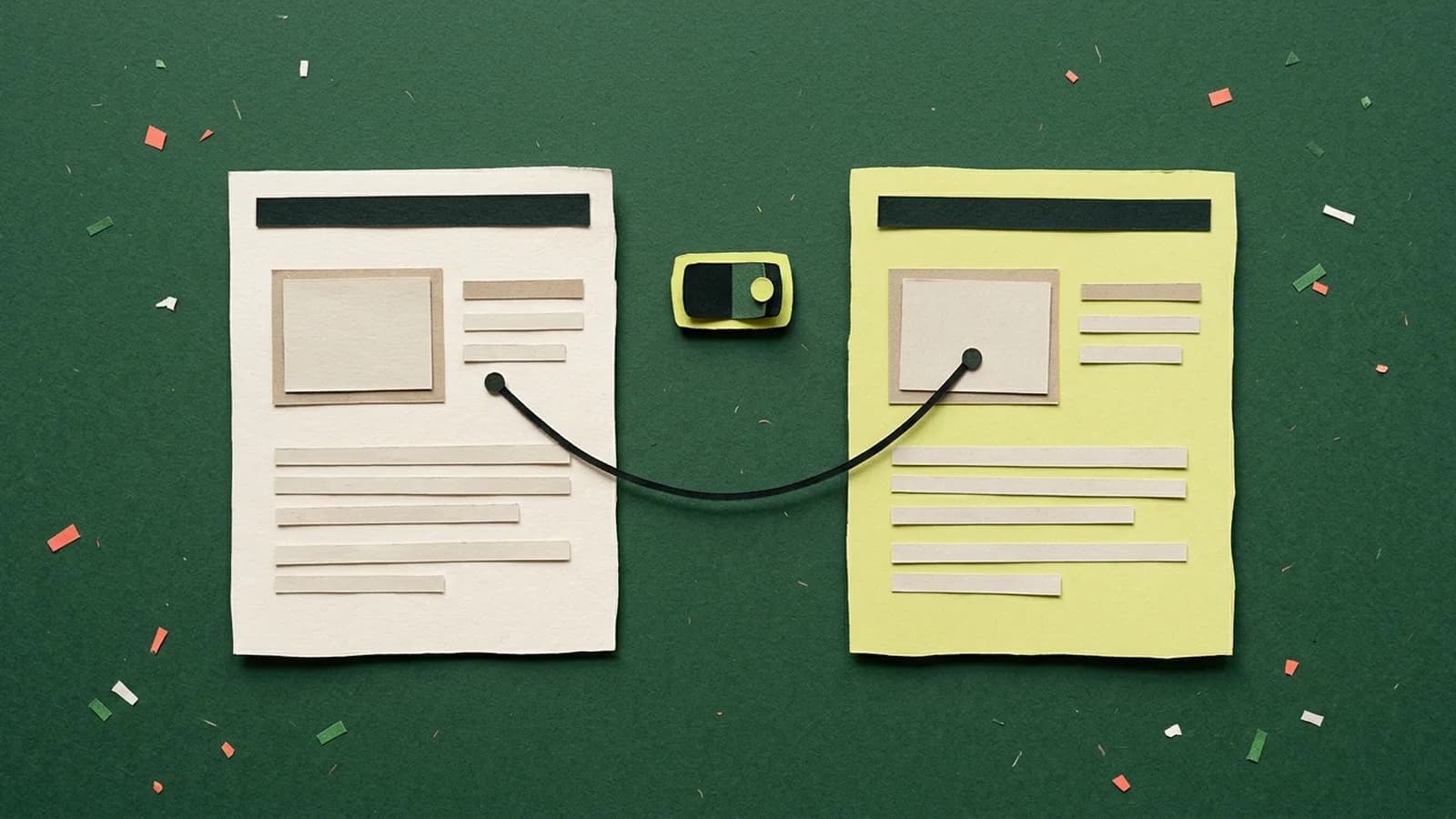
- Hreflang on both pages. With hreflang you tell Google which pages are translations of each other. Every language version lists itself and all the other versions. If two pages don't both point to each other, Google ignores the tags.
- A fallback. With x-default you indicate which version someone gets when none of your languages matches the language of their browser.
- No automatic redirects. Don't send visitors to another language version based on their language or IP address. Let them choose for themselves with a language switcher.
- Translate the words in your URL too. According to Google, it's fine for a URL to be in the reader's language. An English-speaking visitor would rather read /en/pricing/ than /en/prijzen/ (Dutch for prices).
That the translation comes from AI is no problem for Google. Google judges a page on quality, however it was made. In a 2023 blog post, Google writes that appropriate use of AI or automation is not against its guidelines.
It becomes spam when you use automation to churn out pages at scale to rank higher in Google. In its spam policies, Google lists automatically translating other people's content as an example. Translating your own site for your own clients doesn't fall under that.
How to translate a website with AI: the approach
This is the order I follow, on my own site and for takeoff.
- 1. Find out what people search for in that language. The translated word isn't always the word people type in. I build what Dutch calls a “keuzehulp”: a small tool that helps visitors pick the right product. Translated literally, that becomes something like “selection guide”. Americans search for that about 70 times a month, and for “product finder” 720 times (DataForSEO, November 2026). So on my English pages it's called a product finder.
- 2. Set up a glossary. Write down how you translate fixed terms and give that list to the AI as a hard rule. Without a list, AI translates the same word slightly differently on every page. What I call cases in Dutch are “case studies” in English, because a “case” makes an American think of a lawsuit or a patient first.
- 3. Choose the tone for each language. Do you address the reader formally or informally? In Dutch that's the choice between u and je, in Polish between Pan and Ty, and a translation simply copies whatever the original used. On takeoff's Polish site the tone is informal, the way Polish competitors write too. My English pages are written in the first person, just like the Dutch ones.
- 4. Adapt what readers know from home. takeoff helps physiotherapists find work in Switzerland. Everything that describes where the reader is now is Polish in the Polish text: the Polish professional register instead of the Dutch BIG register, and the Polish salary next to “you'll earn more in Switzerland”. Everything about Switzerland stays Swiss. You have to look those details up, they don't come out of a translation. On my English pages it says “the Netherlands” where the Dutch says Middelburg: an American doesn't know where Middelburg is.
- 5. Translate page by page, with fixed rules. Translate one page at a time, so you can put each translation next to the original. At takeoff, a script translates every text in the content management system separately, with the glossary and the tone as fixed rules.
- 6. Put the new language online hidden first. The pages are already online, but Google isn't allowed to index them yet, and they aren't in the language switcher or in hreflang. Translate the URLs during this phase too: as long as Google doesn't know them, that costs you nothing. Only when everything has been proofread do you switch the language on.
What to always check yourself after translating
AI does most of the work, but I check these four things myself after every translation.
The headings
Headings go wrong most often. A heading is short and stands apart from the sentences around it, so the model has little to go on and is quicker to pick the literal word. On my English site I read all 1,626 headings, and about 30 were translated too literally. “Stijlproef” became “style proof”, where an American expects “design preview”. A “strandpaviljoen” became a “beach pavilion”, when in English it's a “beach club”.
If you don't check the headings, you miss out on exactly the English-speaking clients you translated the site for. That's a waste.
Hreflang
Check a few pages of each type: the homepage, a service page and an article. Open the source code, click the hreflang links and see whether they match in both directions and whether every page also refers to itself. If one side doesn't point back, Google ignores the tags for that pair.
My tip: keep one table with every pair of Dutch and English URLs, and have hreflang, the language switcher and the sitemap all come from that one table. That way they can't drift apart.
The language switcher
The language switcher is part of the design. It has to fit in your menu, on a phone too, and take visitors to the same page in the other language, not back to the homepage. Watch the length of your text as well. A translation is rarely the same length as the original, so a button or menu item that fits perfectly in one language can wrap onto two lines in another. That's why you check every language on a phone.
What you don't see on the page
A translation goes beyond the visible text. Also check the page title (Google only shows a limited number of characters of it), the meta description (the snippet below your title in Google), the alt text of your images and the structured data, the code that tells Google what's on the page. Don't forget the error messages in your forms, or the confirmation email a client gets after filling one in. Someone who sends a request in English and gets a confirmation back in Dutch will wonder whether the request actually arrived.
Why you can't just paste your URL into ChatGPT
ChatGPT translates a piece of text just fine. But a translated website is more than text. Each language needs its own URLs, hreflang on every page, a language switcher, forms that respond in the right language and a sitemap that includes both languages. That's a technical job, and your site has to be built so that AI can reach the text.
My own sites live entirely in code. Claude Code works in that code directly: it translates the text, creates the English pages and links them to the Dutch ones. I check everything before it goes live. At takeoff, the text lives in a content management system and a script translates it piece by piece. A new language only becomes visible there once it has been proofread.
Why this matters for you
You don't translate your site for nothing: you want to win over English-speaking clients too. Those clients come in through Google or an AI tool and quickly notice whether your site was written in English or translated. If it reads like a translation, they're more likely to pick a business that speaks their language. AI gets you the translation in a few days. The review round from this article makes sure that translation also convinces.
Frequently asked questions about translating a website with AI
Can ChatGPT translate a website?
ChatGPT translates the text of your website well, especially if you tell it who it’s writing for. But a translated website is more than text: each language needs its own URLs, hreflang, a language switcher and forms that respond in the right language. That has to be built into your site, and ChatGPT doesn’t do that for you.
Is Google Translate good enough for my website?
No, that approach is outdated. Google Translate translates literally, and your visitors can tell. For Google, a translation widget usually doesn’t count at all: it only translates in the visitor’s browser, so there is no English page with its own URL for Google to find.
Is AI translation bad for SEO?
No. Google judges a page on quality, however it was made. According to Google, appropriate use of AI is not against its guidelines. It becomes spam when you use automation to churn out pages at scale to rank higher, for example by automatically translating other people’s content. Do make sure the translation is good and the hreflang is correct.
What is hreflang?
Hreflang is a bit of code in your page that tells Google which pages are translations of each other and which language each version is meant for. That way Google can show an English-speaking searcher your English page and a Dutch searcher the Dutch one. Both pages have to point to each other, otherwise Google ignores the tags.
Should I translate my URLs too?
You don’t have to, but it’s friendlier for your visitors and Google is fine with it. An English-speaking reader understands /en/pricing/ right away, /en/prijzen/ not so much. Do it before Google indexes the pages. If you change a URL later, you have to redirect the old one to the new one, and that’s extra work.
How much work is it to translate a website with AI?
That mostly depends on how your site is built. My own site had 96 pages and was online in English within two days, with hreflang, a language switcher and English forms. After that comes a review round of the headings, the titles and the language switcher on a phone. If AI can’t reach your site’s text directly, most of the work is in the technical side.
Want your site in another language?
I build fast websites that can take on a new language later without a rebuild, like the one for takeoff. Want to know what that would mean for your site? Schedule an intro call.
HOW I BUILD WEBSITES