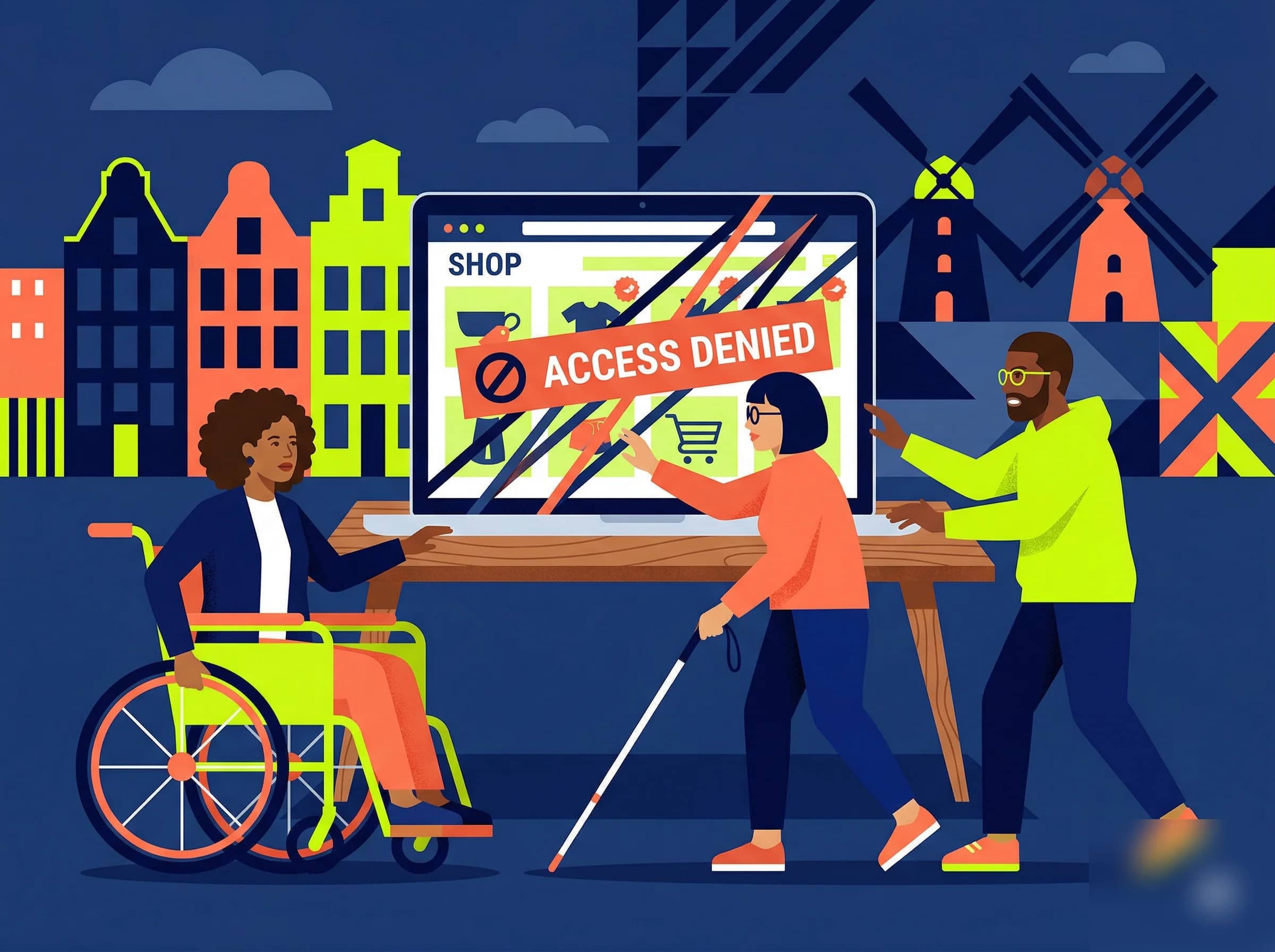
The ACM (the Netherlands Authority for Consumers and Markets) tested the digital accessibility of about a hundred large Dutch online stores. At most of them, a customer using a screen reader or another assistive tool can't complete an order, which means those stores don't comply with the European Accessibility Act (EAA). How can that happen at such big names, and what do you do about it if you run an online store yourself?
What did the study find?
The European Accessibility Act has applied since June 28, 2025, and in the Netherlands the ACM supervises compliance. In March 2026, the regulator published the results of a study (in Dutch) into the accessibility of the largest Dutch online stores.
Findings:
- ▸At 61% of the stores tested, you can't place an order with a screen reader or another assistive tool
- ▸At another 33%, ordering does work, but with serious problems
- ▸Examples: an order button that doesn't work with the keyboard and a CAPTCHA puzzle that isn't accessible
A web agency paints the same picture. For a few years, Level Level has been following the online stores in the Twinkle Top 100 and Top 300 (in Dutch), the trade magazine Twinkle's rankings of the largest Dutch online stores. In their 2025 study, you couldn't place an order without a mouse at 6 of the 15 biggest online stores, and by their conclusion the top 300 weren't ready for the EAA yet.
These are mistakes like order buttons you can't reach with Tab, product images without an alt attribute (a screen reader then reads out the file name, or nothing), color contrast below the required ratio of 4.5:1 and forms without linked <label> elements. That last one means a screen reader can't tell you what to enter in a field.
Why do so many online stores fall short?
It's rarely a deliberate choice by the store. Usually there are three causes, often at the same time.
1. Platforms and themes lag behind
Many Dutch online stores run on Shopify, WooCommerce or Magento, and those platforms have gotten better at accessibility. With the Dawn theme, Shopify deliberately went for WCAG, and you can see it: correct <button> elements, ARIA labels on the cart and keyboard navigation through the whole checkout. But many stores still run on older themes, or on third-party themes that were never tested for accessibility.
A theme that looks polished can be full of problems under the hood. Think of an order button that is technically a <div> instead of a <button>, or a product carousel you can swipe with a mouse but that has no keyboard control or aria-roledescription. If the search bar is missing a <label> element, a screen reader doesn't even know it's a search field. With a mouse you notice none of this, but with a screen reader you get stuck right away.
With WooCommerce there is also the problem of page builders. Elementor and Divi generate deeply nested <div> structures that a screen reader can't make sense of. An H2 that is clearly a heading in the visual editor sometimes turns out to be a <div> with a large font in the generated HTML. ARIA labels are often missing and the focus order can jump around because of absolute positioning. The store owner often doesn't even notice, and still the checkout doesn't work for some customers.
2. Accessibility knowledge is missing
Many Dutch online stores are built by small web agencies or freelancers, and far from all of those builders treat accessibility as a standard part of the job. That is how sites go live that look sharp while the HTML underneath is wrong. A form is missing its <label> elements (WCAG 1.3.1), an error message only turns red without explaining what's wrong (WCAG 1.4.1), or the focus indicator was removed with CSS because it was "ugly" (WCAG 2.4.7).
You find mistakes like these at a great many online stores. They stay because nobody sees them: anyone looking at the site with a mouse thinks everything works fine.
3. There was no obligation
Until June 28, 2025, digital accessibility was not a legal duty for businesses. Government websites had already been required to comply for some time, but for online stores it was optional. It was important, but without an obligation it rarely made it to the top of the list.
So the client didn't ask for it, and the agency didn't offer it on its own. With the EAA that has changed: now it has to be done.
Why an accessibility overlay isn't enough
Now that the law is here, businesses look for a quick fix, and often that becomes an "accessibility overlay". That is a widget that lets visitors adjust the font size or contrast themselves.
For some visitors that really helps, because larger text and more contrast are easier to read. But an overlay changes nothing about the code underneath. A <div> that serves as a button doesn't get role="button" from it, and an image without alt text stays invisible to a screen reader. A checkout with a messy focus order stays just as messy.
Overlays rely on automated tools, and those can only test the WCAG criteria a machine can measure, like contrast values, missing alt attributes and missing form labels. Whether the focus order is logical (2.4.3) and an error message is understandable (3.3.3) is something a person has to judge. That is why an overlay never replaces properly built HTML. The US regulator FTC even fined the overlay vendor accessiBe $1 million, because the company wrongly promised that its product makes websites WCAG-compliant.
Who falls under the law?
The EAA applies to businesses that offer digital services to consumers. Think of:
- Online stores and ecommerce platforms
- Banks and insurers (online services)
- Telecom providers
- E-learning platforms
- Websites that sell products or services online to consumers
Micro-enterprises are exempt: businesses with fewer than 10 employees and no more than €2 million in annual revenue. Both conditions have to be met, so an online store with 5 employees and €3 million in revenue is covered. There is also an exception for "disproportionate burden", but then you have to be able to show that fully complying would put an unreasonable strain on you.
What are the consequences?
As the regulator, the ACM can impose fines. Enforcement usually starts with informing and warning, so a business gets the chance to improve. If that improvement doesn't happen, the ACM can impose sanctions.
Fines aside, an inaccessible online store costs you customers: anyone who can't order buys somewhere else. According to Digitoegankelijk.nl, the Dutch government's digital accessibility site, about 4.5 million people in the Netherlands have a disability or chronic illness. Not all of them get stuck online, but it shows how large a group you reach when your online store works for everyone.
What can you do now?
Most of the mistakes from these studies are technically simple to fix. The four steps below are the quickest way to find them.
1. Test your website with your keyboard
Press Tab and walk through your whole site that way. Watch for three things: can you reach every interactive element (buttons, links, form fields), can you always see where the focus is (a visible outline or marker), and can you complete the whole ordering process without touching your mouse? If the answer is "no" anywhere, you have a problem with WCAG 2.1.1 or 2.4.7. This is the quickest way to find the mistakes that affect the most visitors.
2. Run an automated scan
Tools like axe DevTools or Lighthouse check your page for common mistakes: missing alt text, contrast problems, headings that skip a level and form fields without a linked label. I also built a free accessibility checker that checks your page for mistakes like these.
3. Check your platform and theme
On Shopify: check whether your theme is based on Dawn or on a recently updated variant. Older themes like Debut have known accessibility problems. On WooCommerce: do you use Elementor or Divi? Then test extra critically whether the generated HTML is semantically sound. Run your page through the W3C validator and see whether headings, landmarks and form labels are in order.
4. Test with a screen reader yourself
A scan only finds what a machine can measure. You have to test yourself whether your content is understandable, the navigation predictable and the error handling clear. Install NVDA, a free screen reader for Windows, and try to place an order with it. After a few minutes you know how your checkout works for someone who relies on a screen reader. You can read what else WCAG asks of your site in my detailed WCAG guide.
Check your website for accessibility
Enter your URL and you see right away which WCAG problems are on your page. It's free and you don't need an account.
TEST YOUR WEBSITEHow do you fix it for good?
The ACM study shows that many online stores put off accessibility for a long time, and now that the law applies, they have to catch up. That is doable, because the guidelines are fixed (WCAG 2.1 AA, by now 2.2) and the test tools and platforms you need already exist.
On the websites I build, WCAG 2.2 AA is the standard. That means semantic HTML (a button is a <button>, a navigation sits in a <nav>), keyboard navigation through the whole ordering process, a logical heading structure, contrast of at least 4.5:1 and alt text on every image. I build that in from the first line of code, so nothing has to be repaired afterward.